●Retail · Returns and refunds
Return fraud detection for photo-based refunds.
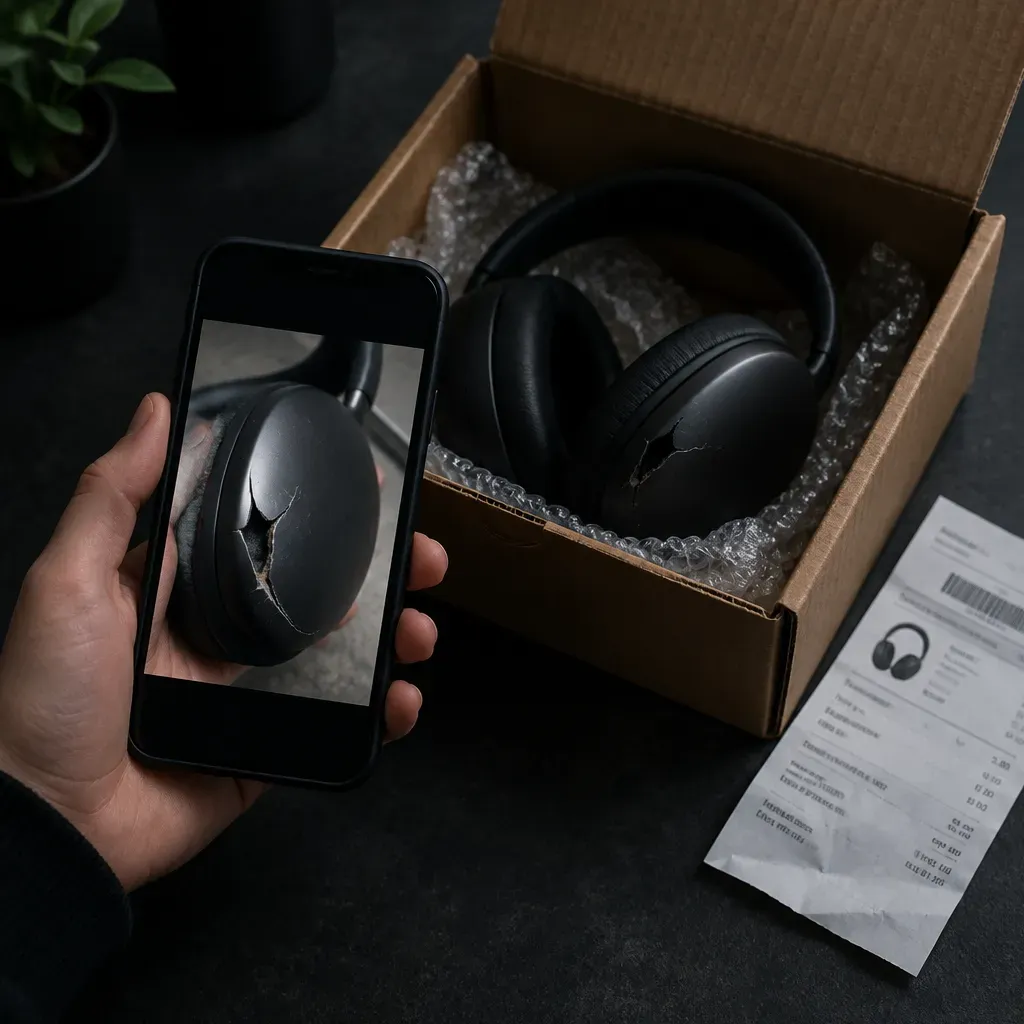
Check damaged-item, wrong-item and missing-delivery photos for AI generation and edits before you refund or replace.
●Platform
Detect it. Explain it. Act on it.
Every scan returns the same three things: a result, the signals that produced it, and a decision you can route on.
01
Detect
Every file is scanned by independent models for images, video and faces, in the web tool, the extension or by API.
3 / 4 signals corroborateCalibrated likelihood
02
Explain
See which signals fired and how strongly. No single model decides; every result comes with its reasons.
Rule: likelihood ≥ 0.85 → Hold<3s
03
Route
Branch your workflow on the result. Clean items pass, flags go to review with a full audit trail.
●The problem
Return fraud now starts with a photo.
More retailers refund on a photo instead of a returned item. That makes the photo the only evidence, and image tools make a convincing damage photo in seconds.
●What we catch
What gets flagged.
Flagged at the point of submission, before it reaches a reviewer.
01
“Arrived damaged” photos
Generated or edited cracks, dents, stains and spoiled food on an item that is fine.
02
“Wrong item” photos
A generated or edited product that doesn’t match what was shipped.
03
“Never arrived” evidence
Generated empty porches, opened boxes and tampered packaging.
04
Edited proof
Real photos with damage painted in, or labels and order numbers changed.
●Important limitations
What Witness is, and is not.
Witness is a strong first signal. It tells you where to look harder.
Witness is
- A check on whether a return or refund photo was AI-generated or edited.
- A likelihood with a heatmap and plain-language signals your team can act on.
- A screening step before a refund, replacement or chargeback response.
Witness is not
- A replacement for your returns policy or fraud platform.
- A check on order history, accounts or customer behavior.
- Proof of fraud on its own. A flag means review, not an automatic denial.
●Where it applies
Wherever a photo releases money.
Damage and wrong-item claims on returnless refunds and replacements.
Spoiled, missing and damaged order claims at submission.
Buyer and seller evidence in item-not-as-described disputes.
Photo evidence submitted in friendly fraud and card disputes.
●How it works
Three steps. One result.
Collect the photo
The customer uploads a photo in your returns or support flow, as today.
Scan it
Your team scans it in the web app or the Chrome extension, inside the tool you already use. API access is in early access.
Route the claim
Low scores pass. Flagged photos go to review with the heatmap and signals, before the refund is issued.
●Integration
Three ways in.
Start with the web app.
Scan in the web app or Chrome extension today. The REST API and the MCP server for AI assistants are in early access for images. Same detectors, same result.
Web app
AvailableUpload in the web app. Images and video, up to 50 MB. Full results in seconds.
Chrome extension
AvailableScan any image or video from inside the tools your team already uses. No download, no upload.
API
Early accessSend an image by file or URL, get structured JSON back: verdict, confidence and provenance signals. Read the docs
curl https://witness.vision/api/v1/scan \
  -H "Authorization: Bearer $WITNESS_API_KEY" \
  -H "Content-Type: application/json" \
  -d '{"url": "https://…/return_RMA_58120_damage.jpg"}'

→ 200 OK · 412ms
verdict: Likely AI · 0.92
●Why Witness
Built to be checked.
We say what the system does, what it returns and where its limits are.
Detection built per signal
Specialized models per signal, so you get more coverage and fewer false positives than one classifier.
Reasons, not just a score
Every result shows the signals behind it and where in the file they fired.
Analysed, then gone
Media is never stored, shared or used for training.
Provenance, when it exists
Reads Content Credentials from capture device to current file.
Returns team & API
Run it your way.
Dashboard or API.
Refund queue
Photos to review| File | Line | Type | Verdict | Score |
|---|---|---|---|---|
| RMA_58120_cracked_screen.jpg | Electronics | Image | AI | 0.92 |
| order_77310_spoiled.jpg | Grocery | Image | AI | 0.88 |
| RMA_58133_wrong_item.jpg | Apparel | Image | AI | 0.79 |
| dispute_4402_unboxing.mp4 | Marketplace | Video | Real | 0.09 |
| RMA_58140_dent.jpg | Home | Image | Real | 0.06 |
Return RMA-58120
- PixelsCrack pattern shows generation patterns
- MetadataNo camera data on a photo said to be taken today
- Next stepHold the refund and ask for a second photo or the item
Check every refund photo.
Call Witness from your returns portal or support tool. Score, verdict and an audit ID come back in seconds, before the refund is issued.
- REST API Early access
- Batch for refund backlogs
- Webhooks into your review queue
# check a refund photo at submission
curl -X POST witness.vision/api/v1/image \
  -F image=@RMA_58120_damage.jpg

→ {
  "verdict": "ai_generated",
  "likelihood": 0.92,
  "audit_id": "aud_9c2m…"
}
●Pricing
Priced around your volume.
No minimums and no long-term contracts. Tell us your volume and we will quote within one business day.
Free
$0
- 20 image scans a month
- 1 min video a month
- Full heatmaps
- Generator attribution
- EXIF/C2PA/SynthID
- Web and Chrome extension
●Pro
$15 / month
- 1,000 image scans a month
- 15 min video a month
- Everything in Free
- Faces and face-swap specialist
- Scan by URL: paste any link
- Email support
Enterprise
Custom
- Volume pricing
- Everything in Pro
- SSO and audit logs
- Dedicated support
- Custom SLA
- On-premise option
●Explore
One engine. Every surface.
The same detection, result and audit trail across every team that handles media.
Detection
AI image detector
Is this image AI-generated? Drop in a photo or picture and get a likelihood, a heatmap and the reasons behind it.
Explore →Detection
Face swap detection
Find out if the face in a photo or video has been replaced, reenacted or lip-synced.
Explore →Detection
SynthID detector
A free online SynthID checker and AI watermark checker.
Explore →Detection
C2PA checker
Read the Content Credentials inside an image or video: who signed it, what captured it, and every edit since.
Explore →Detection
AI video detector
Is this video AI-generated or face-swapped? Upload a clip and get a likelihood, with a frame-by-frame view of where the signal appears.
Explore →●Guide
Types of return fraud, and where a photo check helps.
Return fraud covers many schemes. Witness helps where the evidence is a photo or video. For the rest, use your returns policy and order data.
01
Photo-only refund fraud
Claiming damage or a wrong item with a generated or edited photo. This is where Witness helps most.
02
Item not received
Claiming a delivered order never arrived, sometimes with a fake photo of an empty porch or opened box.
03
Wardrobing
Using an item and returning it as new. A photo check doesn’t help here. Inspection and policy do.
04
Empty box and item swap
Returning an empty box, or a cheaper or broken item in place of the real one. Inspection at the warehouse catches these.
05
Receipt fraud
Returning with a fake or altered receipt. See the fake receipt guide.
06
Friendly fraud
Disputing a legitimate charge with the bank. Photo evidence in the dispute can be checked the same way.
Related: E-commerce and marketplaces How to spot a fake receipt Fake payment screenshots Edited photo detection For marketplace sellers
What is return fraud?
Return fraud is getting a refund, replacement or credit you are not owed. Common types are photo-only damage claims, item-not-received claims, wardrobing, empty box returns, receipt fraud and friendly fraud.
How common is return fraud?
The National Retail Federation and Appriss Retail estimated that 13.7% of US returns in 2023 were fraudulent, costing retailers about $101 billion.
How does Witness detect fake refund photos?
Witness checks the image for signs of AI generation and editing and returns a likelihood, a heatmap and the signals behind it. Your team decides what to do with the claim.
Does Witness check order history or customer accounts?
No. Witness checks the photo or video only. Use it alongside your returns policy and fraud tools.
Can I use it today?
Yes, in the web app and the Chrome extension. API access for screening at submission is in early access. Contact us to join.