How to Check If an Image Is AI-Generated (Free Tools, 2026)
Free tools to check if an image is AI-generated. Step-by-step guide covering automated detectors, visual inspection, and metadata analysis.
Key Takeaways
- Human accuracy at detecting AI-generated images is approximately 50% — no better than guessing
- Visual inspection alone is unreliable; use automated detection tools for any image where the stakes matter
- Multiple detection methods (pixel analysis, frequency analysis, metadata checking) provide higher confidence than any single approach
- Context matters: how was the image shared, by whom, and why?
- Building a "pause and check" habit is the single most effective defense against synthetic imagery
The Reality of AI-Generated Images in 2026
AI-generated images are no longer a novelty. They are everywhere — on social media feeds, in news articles, on dating profiles, in group chats, and in professional contexts. The technology that produces them has reached a point where the output is, for all practical purposes, indistinguishable from real photography by the naked eye.
This creates a practical problem: how do you know if what you're looking at is real?
The answer is both simple and unsettling. You probably don't. And you can't — not by looking alone.
A large-scale study conducted by researchers at the University of Waterloo and published in 2025 tested over 1,200 participants on their ability to distinguish real photographs from AI-generated images. The participants were shown high-quality images from the latest generation of models (Stable Diffusion XL, Midjourney v6, DALL-E 3) alongside real photographs.
The result: participants correctly identified AI-generated images 48.2% of the time. That's worse than flipping a coin. An even larger study by iProov found that only 0.1% of people could reliably tell the difference — and 60% were confident in their wrong answers.
This isn't because the participants were inattentive. They were instructed to examine each image carefully and given unlimited time. The images simply lacked the artifacts that earlier generations of AI models produced.
What Visual Clues Used to Work (And Why They Don't Anymore)
If you've read older guides on spotting deepfakes, you've likely seen advice like "check the hands" or "look for asymmetric faces." This advice was valid in 2022 and 2023. It is largely obsolete in 2026.
Hands and fingers
Early image generators frequently produced hands with too many or too few fingers, merged digits, or anatomically impossible positions. This was one of the most reliable visual tells.
Current-generation models have largely solved the hand problem. Stable Diffusion 3, Midjourney v6, and DALL-E 3 consistently produce anatomically correct hands. Some edge cases remain — complex poses with interlocking fingers or hands holding objects can still produce errors — but these are no longer reliable indicators.
Facial symmetry
AI-generated faces were historically more symmetrical than real faces, which have natural asymmetry in features like eye size, nostril shape, and ear position. This was a useful heuristic.
Current models have been trained on sufficiently diverse datasets that they now produce natural-looking asymmetry. Some detection researchers have noted that newer models actually over-correct for this, producing slightly more asymmetry than typical real faces — but the difference is not visually perceptible.
Skin texture
AI-generated skin used to have an unnaturally smooth, poreless quality — particularly noticeable in close-ups. Real skin has pores, fine hairs, and micro-wrinkles that followed anatomical patterns.
Modern generators now produce convincing skin texture, including pores and wrinkles. At the resolutions typically shared on social media (compressed, resized), the remaining differences are not visible.
Background inconsistencies
Earlier models frequently produced backgrounds with floating objects, inconsistent perspective lines, or physically impossible spatial relationships. These were often the easiest element to spot.
Current models handle backgrounds much more consistently, though subtle errors in reflections, shadows, and perspective can still occasionally occur. However, relying on these requires the kind of careful analysis that most people don't perform when casually scrolling a feed.
Text and logos
AI generators historically mangled text, producing readable-looking but nonsensical characters. This was one of the most reliable tells.
As of 2026, the latest models handle text with reasonable accuracy for short strings (signs, logos, single words). Longer passages and fine print may still contain errors, but the presence of correct text no longer indicates an image is real.
What Actually Works: Automated Detection
If visual inspection is unreliable, what can you actually do?
The answer is the same one we apply to other domains where human perception falls short: use tools that can measure what you can't see.
How automated detection works
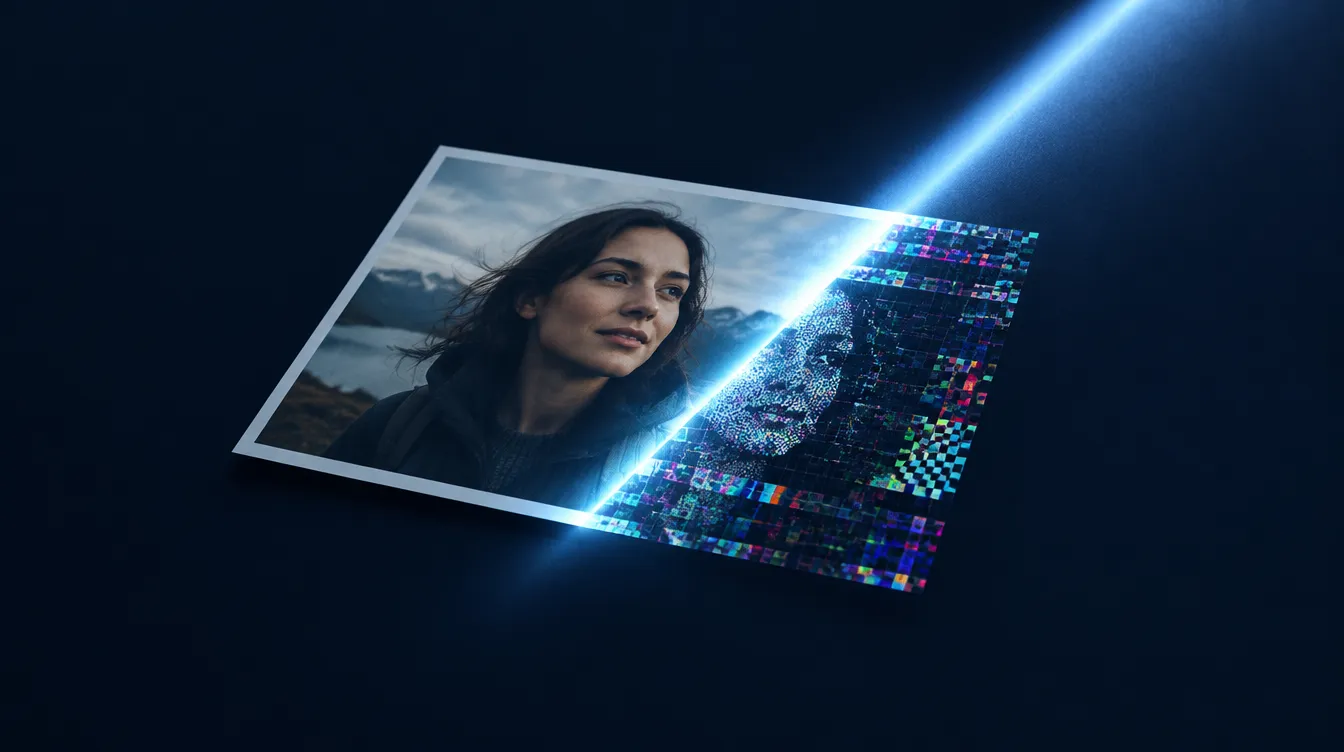
Detection tools analyze images at a level that no human eye can reach:
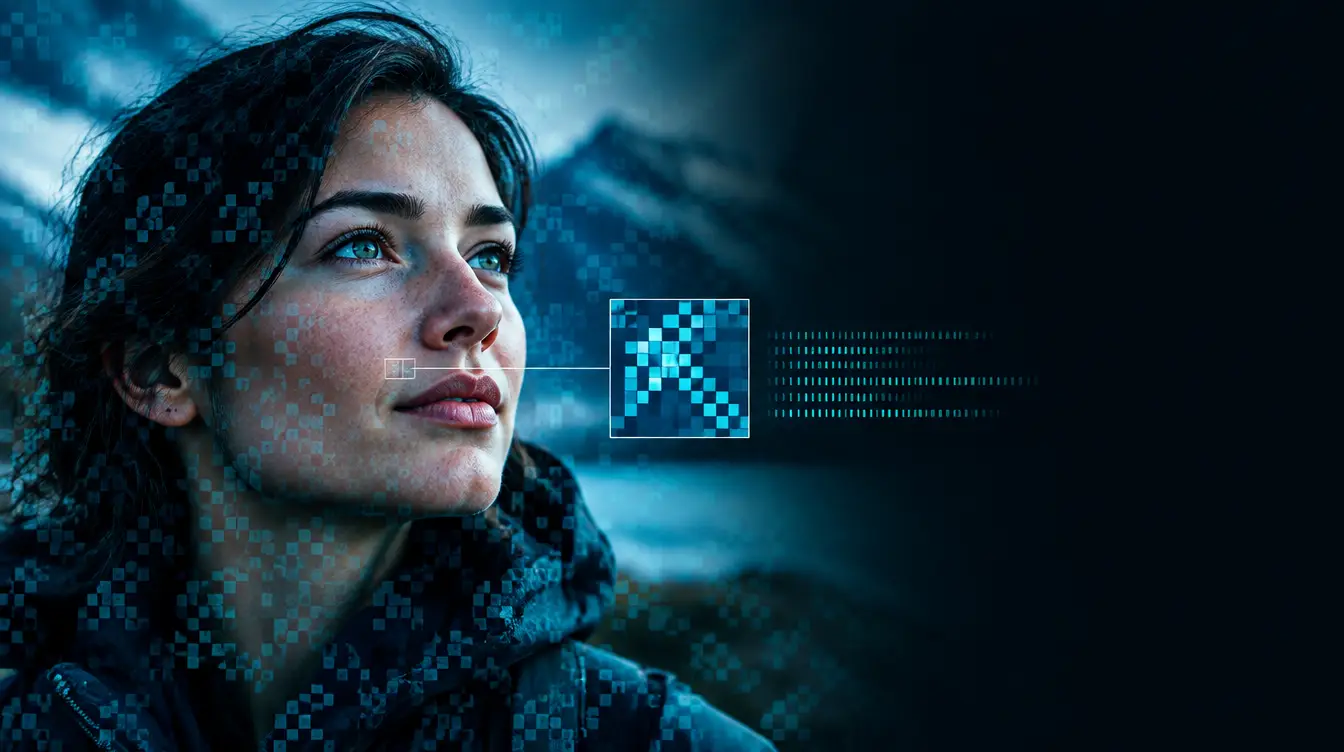
Pixel noise analysis: Every digital camera sensor produces images with a characteristic noise pattern — a statistical fingerprint embedded in the pixel values. Generative AI models produce their own distinct noise patterns. Detection tools trained on millions of real and synthetic images learn to distinguish these patterns, even when the visual content looks identical to the human eye.
Frequency spectrum analysis: When an image is mathematically transformed from the spatial domain (the pixels you see) to the frequency domain, real and synthetic images reveal different patterns. These differences are invisible in the normal image but clearly measurable in the transformed representation.
Metadata and provenance: Image files contain metadata (EXIF data, compression signatures, color profiles) that can provide clues about their origin. AI-generated images may have metadata that is absent, inconsistent, or characteristic of specific generators rather than cameras.
Ensemble methods: The most reliable detection tools combine multiple analysis methods and cross-reference their verdicts. If three independent methods all conclude an image is synthetic, the confidence is much higher than any single method alone.
Using a detection tool: step by step
- Save the image: Don't screenshot — save or download the original file when possible. Screenshots add compression and remove metadata
- Upload to a detection tool: Drag, paste, or share the image to an analysis tool
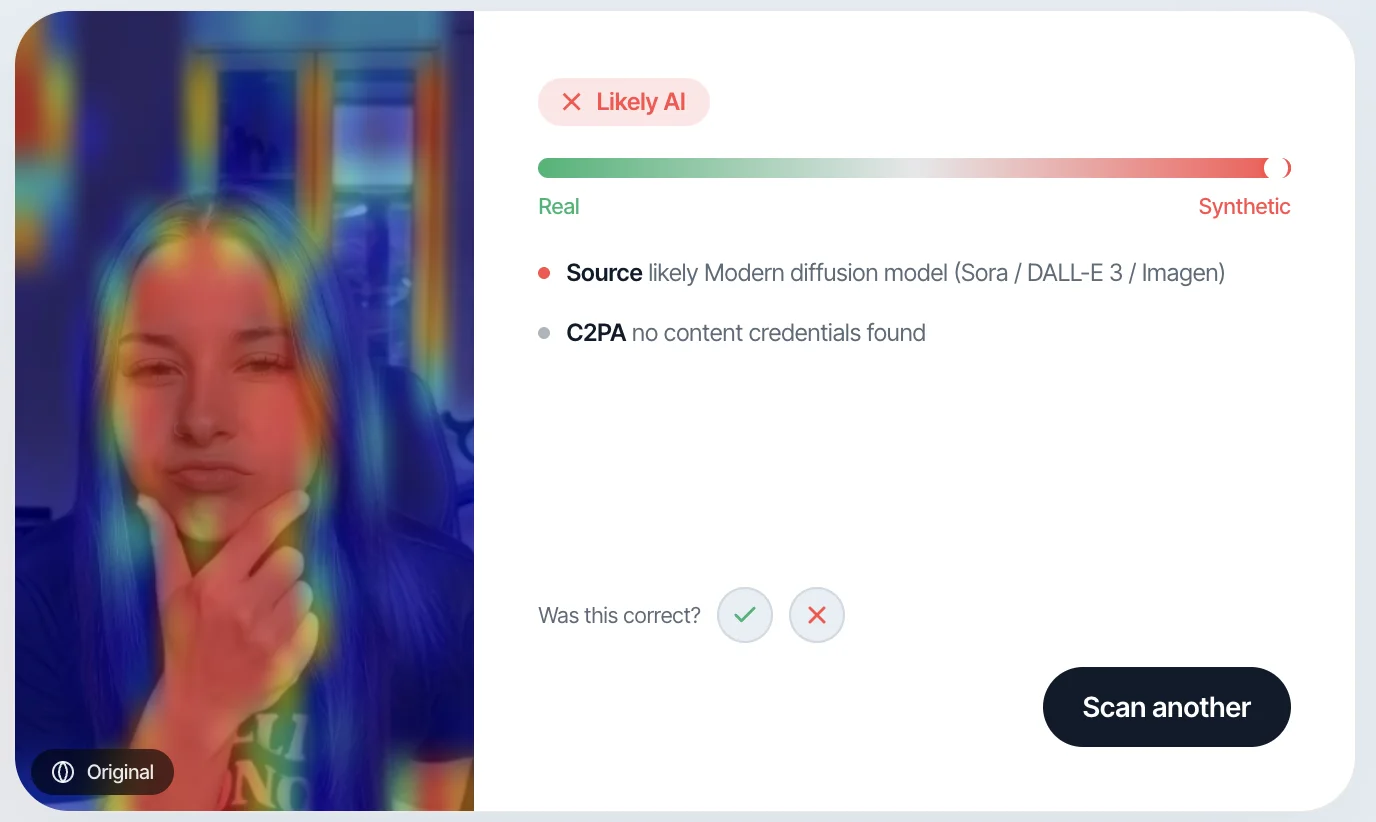
- Read the verdict and confidence: A good tool provides a verdict (real or synthetic) with a confidence percentage — not just a binary answer
- Consider the confidence: High confidence (>90%) provides a strong signal. Low confidence (50-70%) means the tool is genuinely uncertain — treat the result as a data point, not a conclusion
- Use context: Combine the detection result with what you know about where the image came from and why
When to check
You don't need to verify every image you see. Focus your verification effort on images where the stakes matter:
- News and current events: Any image accompanying a story that provokes strong emotion — outrage, fear, sympathy — is worth verifying before sharing
- Messages from strangers: Profile photos on dating apps, social media, and professional networking sites
- High-value business communications: Images used to verify identity in financial transactions, hiring, or contract negotiations
- Content shared by children: Images received or shared in school and social media contexts
- Viral content: Any image "going viral" that you're considering sharing. The most shared content is often the least verified
- Evidence and documentation: Any image that might be used as evidence in legal, insurance, or professional contexts
When visual inspection still helps
While automated detection is more reliable, visual inspection is not entirely useless. It's most effective as a first filter:
- Obvious errors: While rare in current models, some images still contain tells like impossible physics, text errors, or anatomical anomalies. These remain valid red flags
- Context checking: Does the image match what's claimed? Is the lighting consistent with the stated time and location? Are there anachronistic details?
- Reverse image search: A quick reverse image search can reveal if an image has been used before in a different context, or if it originated from an AI gallery
Use visual inspection as your initial "does something feel off?" check. Use automated detection when you need confidence.
Building the "Pause and Check" Habit
The most effective defense against synthetic imagery is not a technology — it's a habit.
Before you react to, share, or act on an image:
- Pause: Resist the impulse to immediately react. The most dangerous deepfakes are designed to provoke immediate emotional responses
- Question: Ask yourself: Where did this come from? Who shared it? Why am I seeing it?
- Check: If the stakes matter, run the image through a detection tool. It takes less than 10 seconds
- Decide: Based on the detection result and the context, decide how much weight to give the image
This takes practice. The goal is not to be paranoid about every image you see, but to develop an automatic instinct to verify before acting on visual content that matters.
The Limitations of Detection
Honest detection tools are transparent about their limitations:
- Accuracy is not 100%: The best ensemble systems achieve 95%+ accuracy on clean content but lower on heavily compressed or edited images
- Post-processing degrades signals: Screenshots, social media compression, cropping, and filters all reduce the artifacts that detectors rely on
- New generators may evade current detectors: A detector trained on Stable Diffusion 2 may not catch artifacts specific to a newer model
- A "real" verdict is not proof: A detection tool saying "likely real" means it didn't find generation artifacts — not that the image is definitively authentic
These limitations don't make detection useless. They make it one important input among several. A detection tool is a second opinion, not an oracle.
Frequently Asked Questions
Can I tell if an image is AI-generated just by looking at it?
Reliably, no. Research consistently shows that human accuracy at distinguishing current-generation AI images from real photos is approximately 50% — equivalent to random guessing. Some individual images may contain visual tells, but you cannot count on this for consistent detection.
Are phone screenshots harder to analyze than original files?
Yes. Screenshots add JPEG compression artifacts, change the resolution, and strip all metadata. If possible, save or download the original image file rather than screenshotting it. Detection tools produce more reliable results on original files.
Do detection tools work on social media images?
Yes, but with reduced confidence. Social media platforms compress images significantly. Detection tools can still analyze compressed images, but the confidence level will typically be lower than for uncompressed originals.
How often should I check images?
Not every image needs checking. Focus on images where the consequences of being wrong are significant — news, business communications, identity verification, and content you're considering sharing to a large audience. For casual social media browsing, a general awareness and occasional spot-checks are sufficient.
Can someone make a deepfake that no detector can catch?
In theory, the adversarial nature of the field means that specific detectors can be evaded. In practice, ensemble systems that use multiple independent detection methods are very difficult to evade simultaneously. The most reliable defense is tools that combine diverse approaches and retrain continuously.