Fake FaceTime Call Screenshots: How Scammers Fake Proof
Scammers create fake FaceTime call screenshots in seconds using free tools. Learn how these fakes are made and how to spot them.
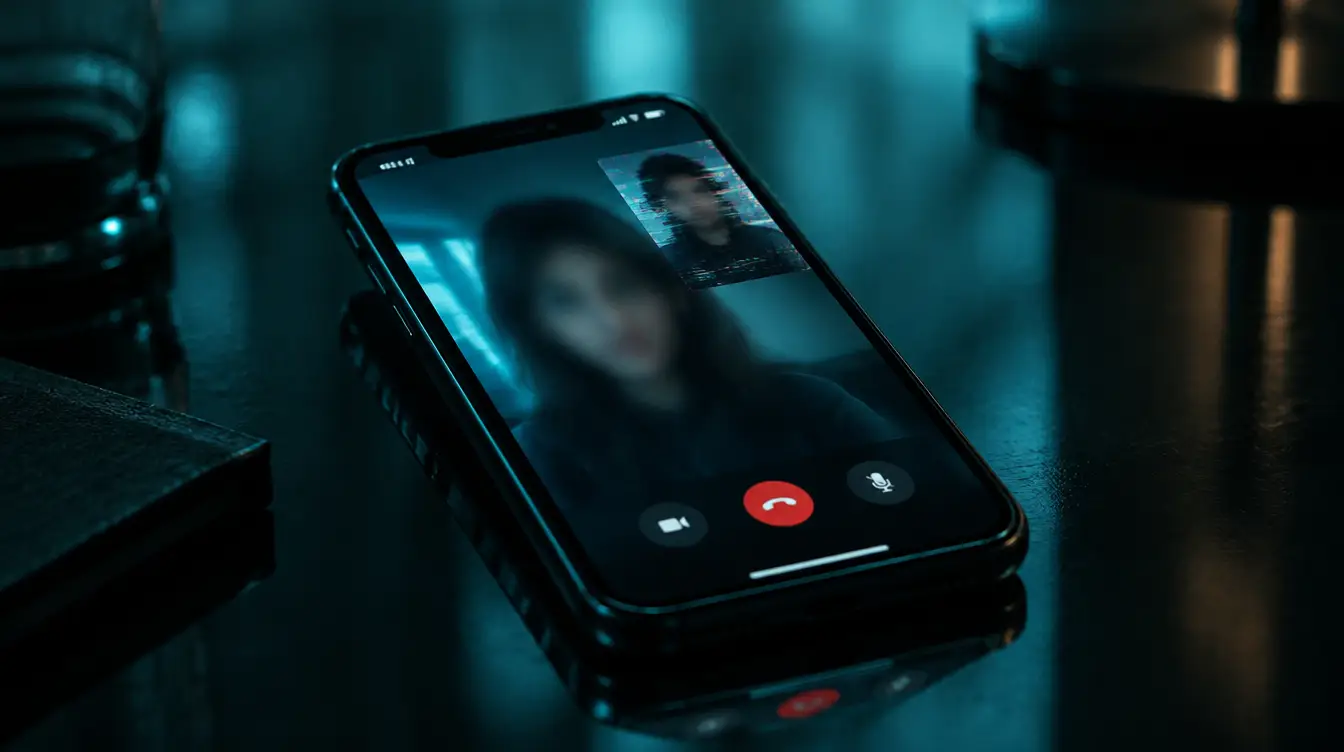
Someone you met online sends you a screenshot of a FaceTime call. There you are, or there they are, mid-conversation on an Apple interface you recognize instantly. It feels like proof. Proof they're real, proof the relationship is real, proof you can trust them. But that screenshot may have been manufactured in under sixty seconds using free tools anyone can download.
Fake FaceTime call images have become a standard weapon in romance scams, sextortion schemes, and catfishing operations. Understanding how they're made is the first step to not being fooled by them.
Why FaceTime Screenshots Carry So Much Weight
FaceTime is synonymous with Apple, and Apple is synonymous with trust. When someone shares what looks like a FaceTime screenshot, it implies a live, real-time video conversation happened between two real people. That implication does a lot of heavy lifting for a scammer.
A screenshot of a text conversation can be questioned. A photo can be reverse-image searched. But a FaceTime call screenshot suggests the person was physically present, on camera, talking to you or someone else. It bypasses the skepticism people normally apply to static images.
A FaceTime screenshot is not evidence of a video call. It is an image file like any other, and it can be created without any call ever taking place.
How Scammers Create Fake FaceTime Call Images
There is no single method. Scammers choose their approach based on their technical skill and how convincing the result needs to be. Here are the most common techniques.
1. FaceTime Overlay Generators
Websites and apps exist that let users upload any two photos and place them inside a realistic FaceTime call interface. The user picks the layout, the call duration timer, the signal bars, and the battery percentage. The output is a pixel-perfect screenshot that looks identical to a real FaceTime call.
These tools are free, require no technical knowledge, and produce results in seconds.
2. Screen Mockup Apps
General-purpose device mockup tools, originally designed for app developers and marketers, let anyone place an image inside an iPhone screen frame. A scammer loads a stolen photo, adds a FaceTime-style overlay downloaded from a template site, and exports it. The result looks like a photo taken directly from an iPhone screen.
3. Image Editing Software
Photoshop, GIMP, Canva, and even phone-based editors like PicsArt allow scammers to manually composite a fake FaceTime interface. They grab a real FaceTime screenshot for reference, swap in stolen photos, match the fonts and colors, and export it. With practice, this takes minutes.
4. AI-Generated Faces
The most sophisticated scammers don't even steal real photos anymore. They generate entirely synthetic faces using AI tools and then place those generated faces into fake FaceTime layouts. This makes reverse image searching useless because the face has never appeared anywhere online before. The FTC reported that consumers lost over $1.1 billion to romance scams in 2023 alone, and AI-generated content is making these schemes harder to detect [1].
5. Screen Recording of a Pre-Recorded Video
Some scammers play a pre-recorded video of a person (stolen from social media or generated by AI) while screen-recording their own device with FaceTime open. This produces what looks like a genuine FaceTime call recording, not just a screenshot. It's more effort, but it's devastatingly convincing.
What a Fake FaceTime Screenshot Looks Like
The fakes are good. But they're rarely perfect. Here's what to look for.
The small caller image in the corner is where many fakes fail. In a real FaceTime call, this window shows you from your front-facing camera at a slightly upward angle. In fakes, it often shows a photo that was clearly taken in a different context, with different lighting, a different camera angle, or a posed expression no one makes during a casual video call.
Where Fake FaceTime Screenshots Show Up
Romance Scams
The most common use. After weeks of texting, a scammer sends a fake FaceTime screenshot to "prove" they're real without actually having to get on a live video call. They'll say the call dropped, their camera broke, or their internet is bad to explain why they can't do it again live. The FBI's Internet Crime Complaint Center reported $929 million in romance scam losses in 2025 [2].
Sextortion
A scammer sends a fabricated FaceTime screenshot that appears to show the victim in a compromising position during a video call. The victim may never have been on such a call. The scammer threatens to distribute the image unless the victim pays. The FBI issued a specific public service announcement warning about sextortion schemes targeting minors and young adults using manipulated imagery [3].
Catfishing and Social Engineering
Fake FaceTime screenshots are used to build credibility in catfishing scenarios. The image serves as "proof" to friends, family, or the victim that a relationship is real. It can also be used in business email compromise schemes where a scammer needs to establish that they've had face-to-face contact with someone.
If someone sends you a FaceTime screenshot but won't get on a live, unscripted video call right now, treat the screenshot as meaningless.
How to Protect Yourself
Demand a Live Video Call
A screenshot is not a substitute for a real-time video call. Insist on a live call where you can ask the person to do something spontaneous: hold up a specific number of fingers, turn to the side, write a word on paper. AI-generated real-time video deepfakes exist, but they still struggle with unpredictable physical requests.
Check the Metadata
If someone sends you a FaceTime screenshot as an image file, check its metadata (EXIF data). A real screenshot taken on an iPhone will contain specific device information, timestamps, and resolution data. Images created in editing software or overlay tools often have stripped metadata or metadata that doesn't match an iPhone.
Many messaging apps strip EXIF data during transmission, so the absence of metadata alone isn't conclusive. But the presence of wrong metadata is a red flag.
Reverse Image Search the Faces
Take the screenshot and crop each face individually. Run them through Google Images reverse search or TinEye. If the face appears in stock photo libraries, social media accounts belonging to someone else, or AI-generated face galleries, you have your answer.
Look at the Details
Zoom in. Check:
- Whether the iOS version elements match current Apple software
- Whether the carrier name and signal indicators look correct
- Whether both faces have consistent resolution and compression artifacts
- Whether the lighting on each face matches a plausible indoor environment
- Whether the small self-view window shows a natural front-camera angle
Run the Image Through a Detection Tool
AI-generated faces and composited images often contain artifacts invisible to the human eye but detectable by analysis software. If you've received a suspicious FaceTime screenshot, run it through Witness at witness.vision/scan. Free, no account required. The scan can flag AI-generated faces and image manipulation that overlay tools and editing software leave behind.
The Bigger Problem
Fake FaceTime screenshots exploit a reasonable assumption: that a screenshot of a video call means a video call happened. That assumption made sense five years ago. It doesn't anymore.
The tools to fake these images are free, fast, and require no skill. The tools to fake real-time video are catching up. The only reliable defense is a combination of skepticism, verification habits, and detection technology.
When someone sends you a screenshot as proof of anything, ask yourself: what does this actually prove? An image file proves only that an image file exists. Nothing more.
- [1]Federal Trade Commission, "Romance scammers' favorite lies exposed," February 2024, https://www.ftc.gov/news-events/data-visualizations/data-spotlight/2024/02/romance-scammers-favorite-lies-exposed
- [2]FBI Internet Crime Complaint Center, "2025 Internet Crime Report," 2026, https://www.ic3.gov/Media/PDF/AnnualReport/2025_IC3Report.pdf
- [3]FBI, "Malicious Actors Manipulating Photos and Videos to Create Explicit Content and Sextortion Schemes," June 2023, https://www.ic3.gov/Media/Y2023/PSA230605